
Thresholds
Choose the Right WarmMark® QR for Your Shipment.
| Temperature | Run Out | Price/unit | |||
|---|---|---|---|---|---|
| -18°C/O°F | 12 hours | $1.49 |
0 pcs
|
||
| 0°C/ 32°F | 48 hours | $1.49 |
0 pcs
|
||
| 5°C / 41°F | 8 hours | $1.49 |
0 pcs
|
||
| 8°C / 46°F | 8 hours | $1.49 |
0 pcs
|
||
| 8°C / 46°F | 12 hours | $1.49 |
0 pcs
|
||
| 8°C / 46°F | 48 hours | $1.49 |
0 pcs
|
||
| 10°C / 50°F | 48 hours | $1.49 |
0 pcs
|
||
| 25°C / 77°F | 8 hours | $1.49 |
0 pcs
|
||
| 26°C / 79°F | 48 hours | $1.49 |
0 pcs
|
||
| 30°C / 86°F | 8 hours | $1.49 |
0 pcs
|
||
| 37°C / 99°F | 8 hours | $1.49 |
0 pcs
|
Thresholds
Choose the Right WarmMark QR for Your Shipment
Select a temperature and run out
Why WarmMark QR
Shipping Temperature-Sensitive Goods? There’s No Room for Uncertainty.
Don’t let heat exposure go undetected. Whether you’re transporting vaccines, test kits, or meal deliveries, WarmMark QR gives you data-backed confidence without added complexity.
Gather Data with Ease
Capture time, date, location, and serial number with a quick scan for real-time shipment data.
App-Free Scanning

Scan with any smartphone to access essential data. No app installation or setup needed.
Eco-friendly

Cost-effective, battery-free, and reliable. Made with 87% sustainable components.
Cloud Integration

Data sent to the SpotSee Cloud for real-time visibility and actionable insights.
Features
Small Footprint. Big Impact.
Single-Use Simplicity
Tamper-Resistant, no batteries, just use and dispose.
Secure Data Handling
Compliant with 21 CFR Part 11 standards.
Unique Serial Tracking
Identify and isolate compromised items fast.

Scalable for Operations
Use one unit or thousands effortlessly.
Geo-Tagged Scans
Every QR scan logs time and GPS location.
Color-Changing Indicator
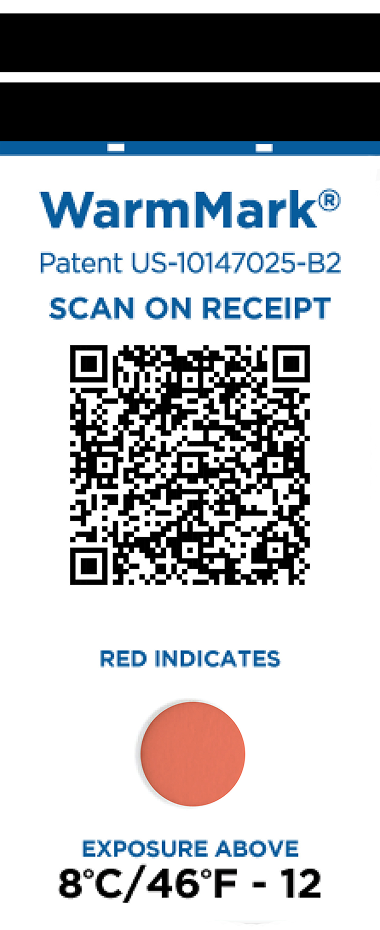
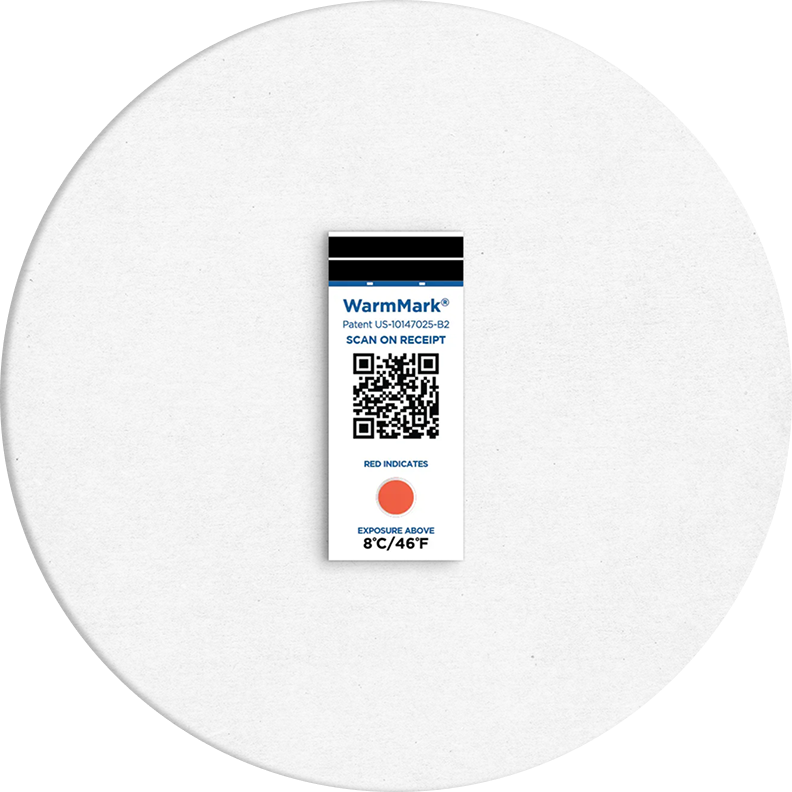
A red or pink dot indicates a breach has occurred.Applications
Built for Your Cold Chain. Trusted in Critical Industries.
Pharmaceutical
Monitor vaccines, biologics, and temperature-sensitive medications to ensure regulatory compliance, product efficacy, and patient safety across last-mile and global distribution. Supports 21 CFR Part 11 standards.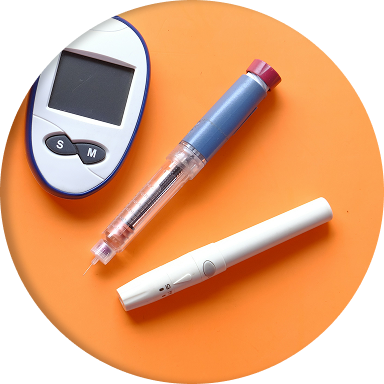
Medical Supplies
Protect diagnostic test kits, tissue samples, and lab reagents from thermal excursions that can invalidate results or compromise sample integrity. WarmMark QR ensures traceability and data accuracy for audits.
Perishable Foods
Validate temperature conditions for meal kits, meats, dairy, and confectionery during transit. Reduce spoilage, meet HACCP guidelines, and build trust in your cold chain logistics.
Temperature-sensitive Cargo
Ideal for floral goods, high-tech electronics, cosmetics, and specialty chemicals. Get clear, irreversible indicators and cloud-based traceability for cargo that can’t risk heat exposure.How it works
A Simple Way to Monitor and Confirm Cold Chain Integrity.
Step 1
Scan and Apply the Sensor
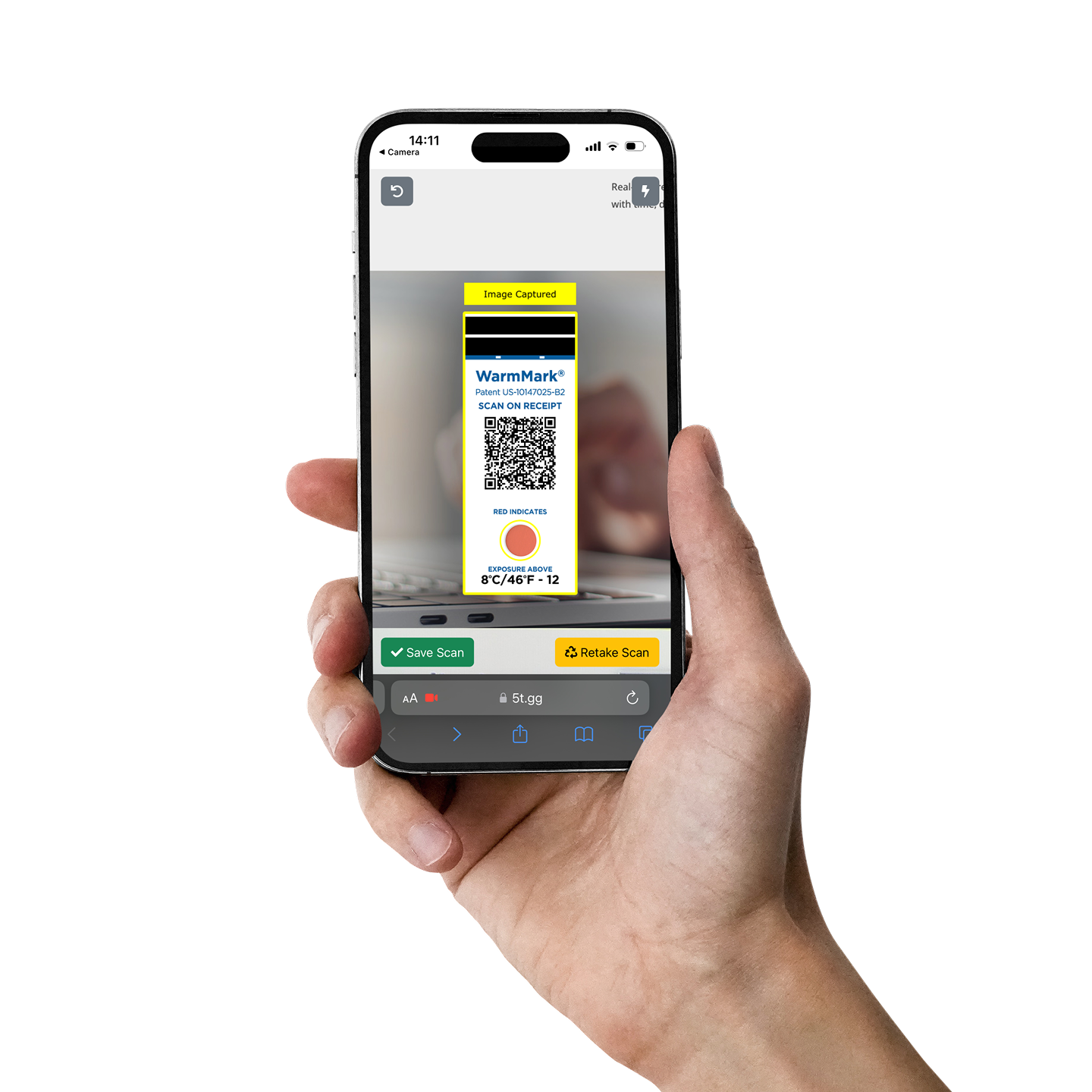
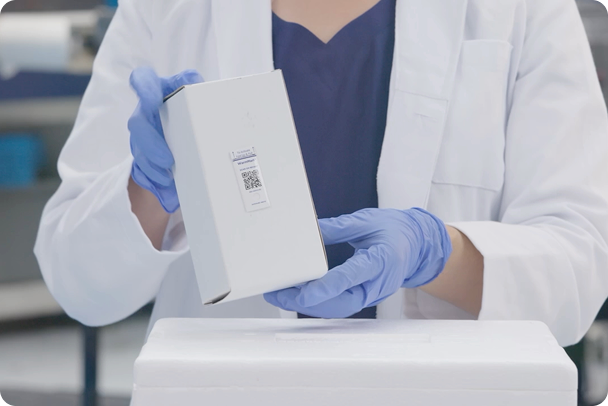
Scan the WarmMark QR code to log the serial number and apply the sensor to the package. This links the sensor to the shipment and prepares it to monitor temperature.
Step 2
Sensing Shipment Temperature
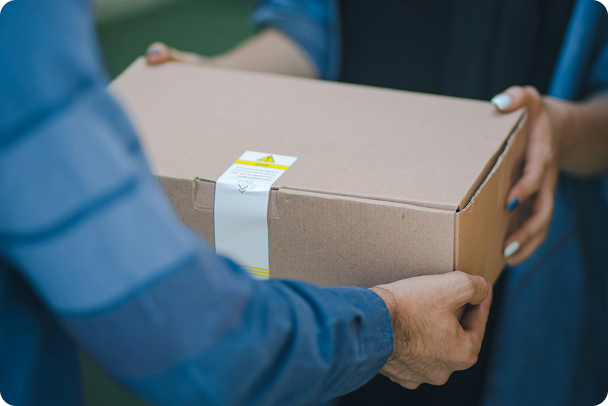
During transit, WarmMark QR monitors the surrounding temperature. If it exceeds the predefined threshold, the sensor window irreversibly changes from white to red/pink.
Step 3
Scan Upon Delivery
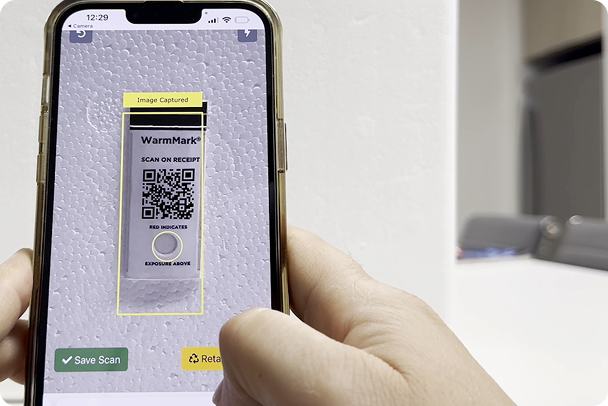
At delivery, the recipient scans the QR code using their smartphone. A guided process captures the sensor’s color and returns clear condition information based on exposure.
Step 4
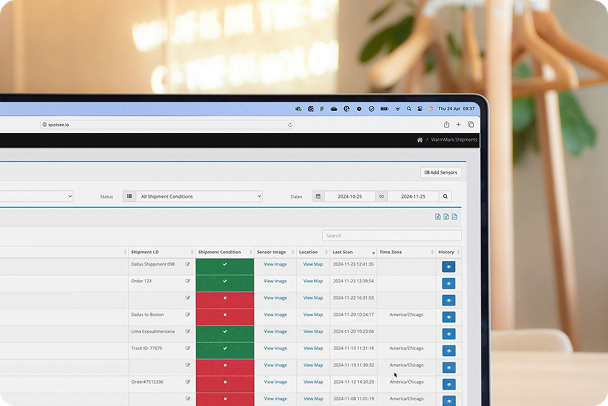
View Records in the Cloud
FAQ
WarmMark QR FAQs
What is WarmMark QR and how does it work?
WarmMark QR is a single use time temperature sensor utilizing a wax melt technology that indicates time spent over a particular temperature threshold. WarmMark is sensing temperature throughout the shipment (but not recording and storing any data – it doesn’t have batteries or electronics!). When scanned, and the sensor analyzed, the scanning cell phone transmits the information captured to the shipper’s cloud account and simultaneously displays condition information to the recipient/scanner. WarmMark is designed to make better, safer cold chains for patients and shippers!
The WarmMark has pink/red in the window… what do I do?
Reach out to the sender of the shipment that your WarmMark was included with.
What if the WarmMark is difficult to analyze with my device?
Try rotating the WarmMark slightly when within the black box on the vision system scanning page, especially in low light or high glare conditions. If the WarmMark won’t scan seek better lighting. Finally, the vision system has a “flash” button, appearing as a lighting symbol, in the top right corner which can be of assistance in certain lighting conditions.
When does the WarmMark QR provide information about a shipment?
When it is scanned. At the time of the scanning process, geo-location, time and date, time zone, sensor serial number and condition are automatically recorded in the cloud (and condition shown to the recipient/scanner).
Does each person in our shipping and quality group need to create an account?
No. It is recommended to create one account and add users rather than creating separate accounts. This way the whole team can see the same information in the cloud since sensors cannot be added to multiple cloud accounts. If a separate account is created all together, each account will only see what is added to it specifically.
To add a new user, you can: Hover on the control panel on the left side -> Admin -> Users -> +Add User
Each person can have their own unique login to your cloud account.
Who sees the information WarmMark QR provides?
The recipient of the WarmMark, otherwise known as the person doing the scanning, will see the sensor serial number and condition. The shipper will have remote access to all other data derived from a scan.
If a recipient receives a WarmMark QR which is showing a bad condition, and scans it multiple times, won’t that skew the data in my cloud?
No. Once a sensor has been scanned as bad, we do not collect any further data from subsequent scans.
Do I have to record the serial number of a tag before I use it in a shipment?
No. That step would only be necessary if you wish to tie the unique ID (serial number) of that WarmMark to a particular shipping document or system. Otherwise, simply drop the sensor into your shipment and your cloud will show you when it is scanned good or bad. If it doesn’t get scanned for some reason, the shipment condition will remain neutral and appear as “–“ in the shipment condition column. You may elect to scan the WarmMark before sending off for shipment to obtain an origin data point and good condition but know that this will show in on your dashboard as a unit scanned and contribute to ‘No Excursions’ data in the WarmMark Shipments chart.
Get Started
Your Cold Chain. Smarter. Starting Today.
Get In Touch
Coldmark
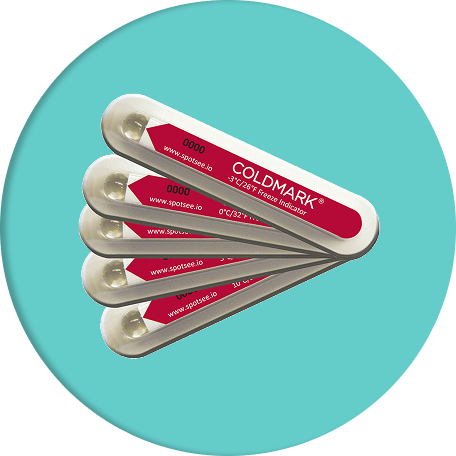
Need to Detect Exposure to Cold or Freezing? Use ColdMark®.
While WarmMark QR alerts you to heat exposure, some products are just as vulnerable to cold or freezing conditions. That’s where SpotSee ColdMark comes in.


© Copyright 2025, SpotSee. All Rights Reserved.


