

Why TiltWatch XTR QR
Clear Visual Evidence Helps Keep Everyone Upright.
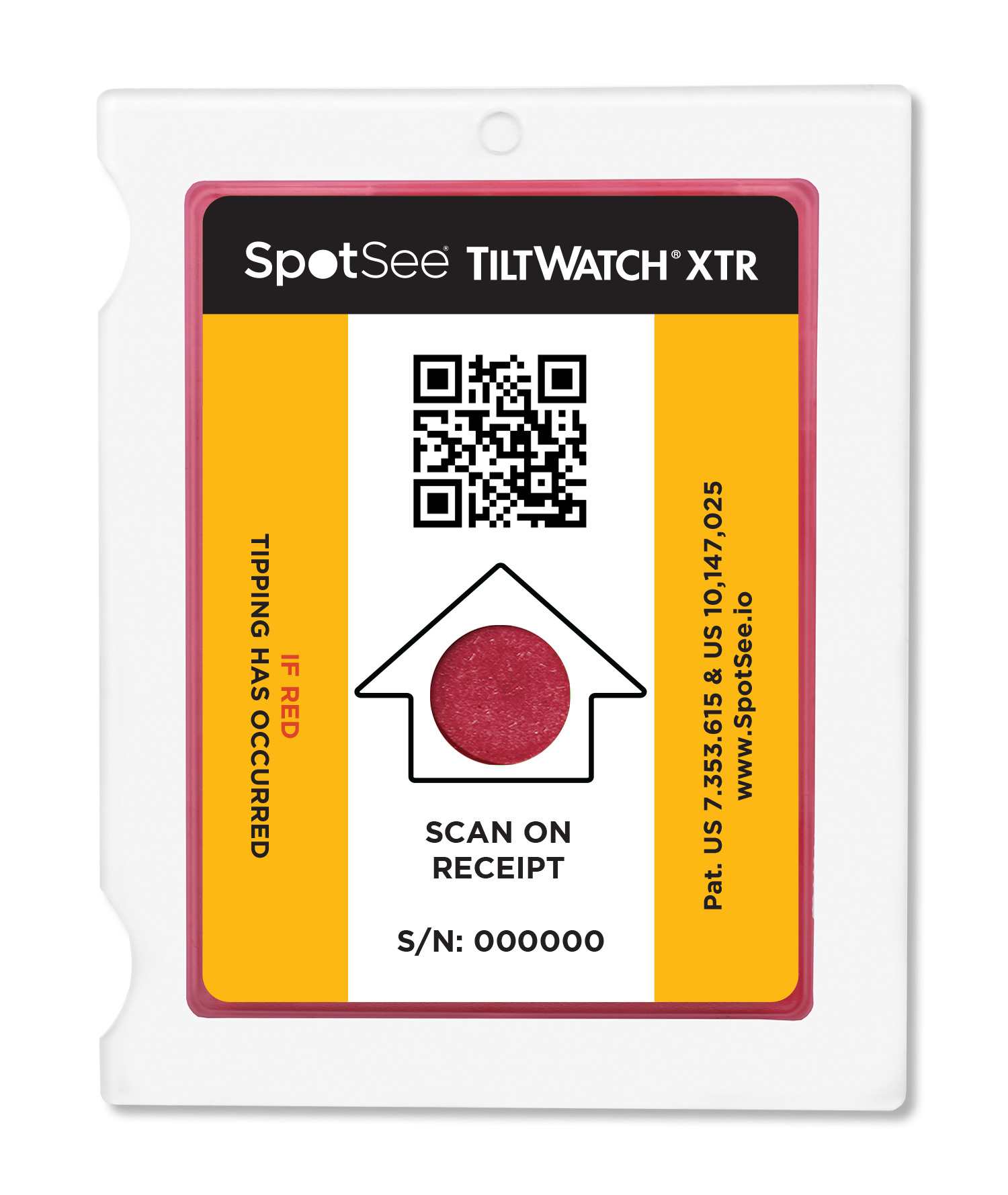
TiltWatch XTR QR gives shippers and recipients clear proof when a package tips beyond 80°, helping teams inspect quickly and identify handling problems.
Gather Data with Ease
Capture tilt status, time, date, location and serial number with a quick smartphone scan.
App-Free Scanning

Scan with any smartphone — no app or special hardware required.
Clear Visual Evidence

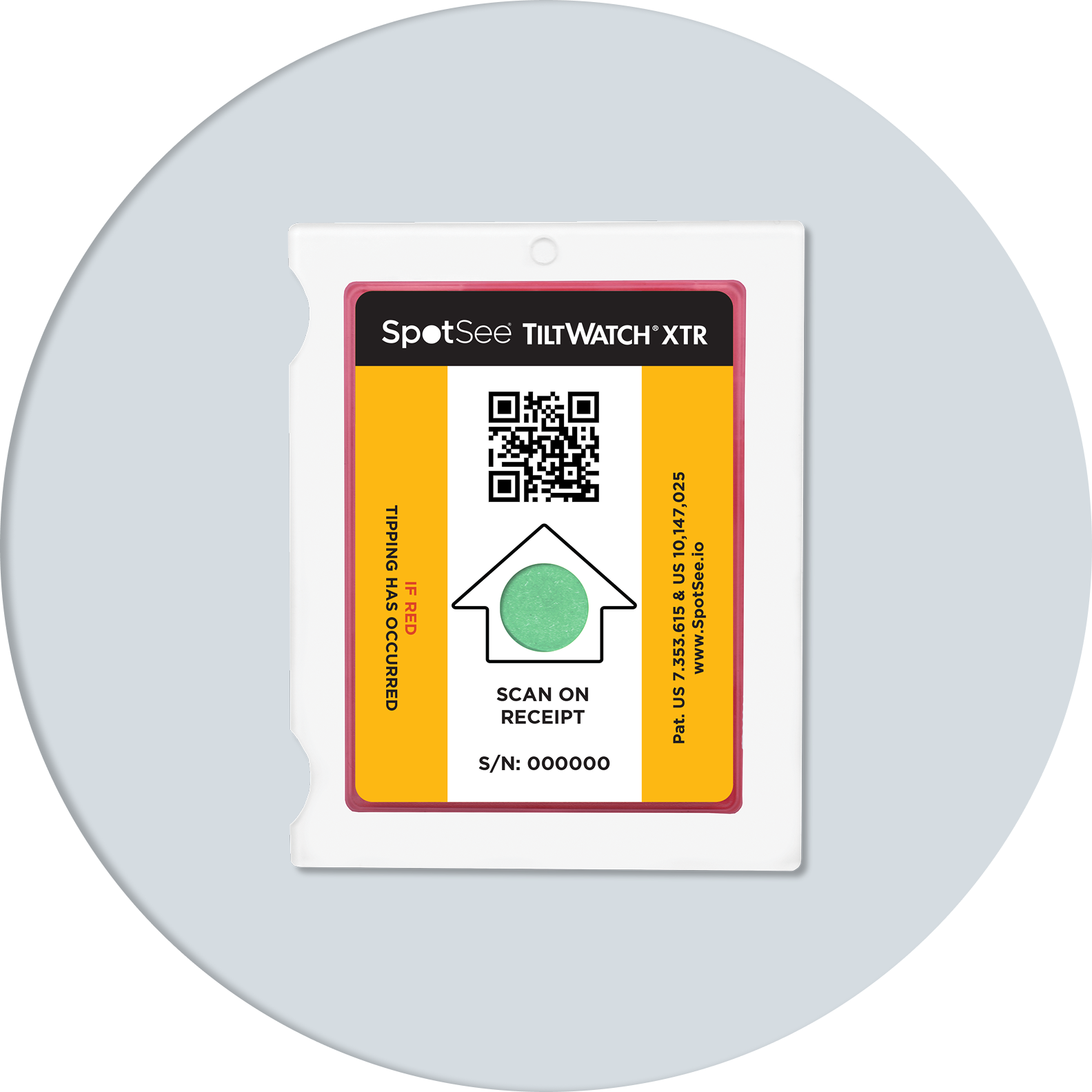
Tamperproof indicator turns red when a shipment tips beyond 80°, prompting immediate inspection.
Cloud Integration

Scanned data flows to the SpotSee Cloud for visibility across shipments, sensors and handling points.
Features
Shipment Tilt Monitoring With Built-In Traceability.
Single-Use Simplicity
Ships ready to apply and arms when the adhesive liner is removed.
Battery-Free Design
Connected tilt monitoring without batteries or onboard electronics.
Unique Serial Tracking
Every sensor is uniquely serialized to tie scan data to specific shipment or asset.

80° Tilt Detection
Permanently turns red after an inclination beyond the 80° threshold.
Shipment-Level Visibility
View tilt status, scan image, location, last scan and sensor history in the SpotSee Cloud.
Durable Attachment
Apply with pressure-sensitive adhesive or use holes for screws, nails or staples.Applications
Built for Your Cold Chain. Trusted in Critical Industries.

Appliances and Large Electronics
Monitor orientation-sensitive deliveries, reduce damage-related returns and help identify problem carriers.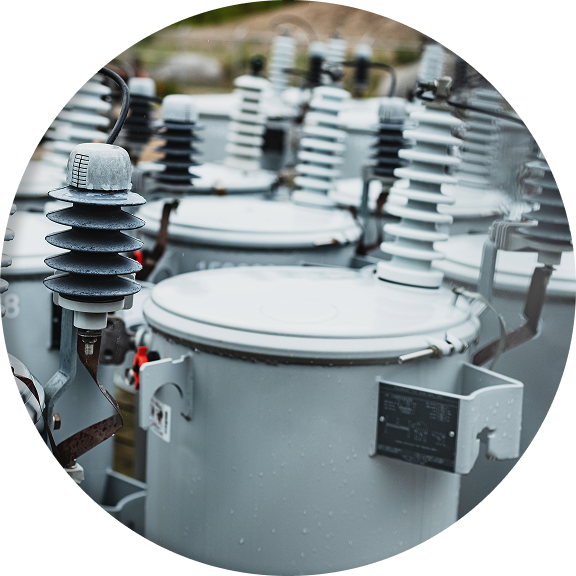
Industrial Machinery
Protect heavy equipment and high-value components during transit or storage.
Medical Equipment
Give recipients clear evidence when a sensitive asset may need inspection before acceptance.
Networking Equipment and Electronics
Deter mishandling of servers, data center equipment and other tilt-sensitive electronics.How it works
Scan. Apply. Confirm.
Step 1
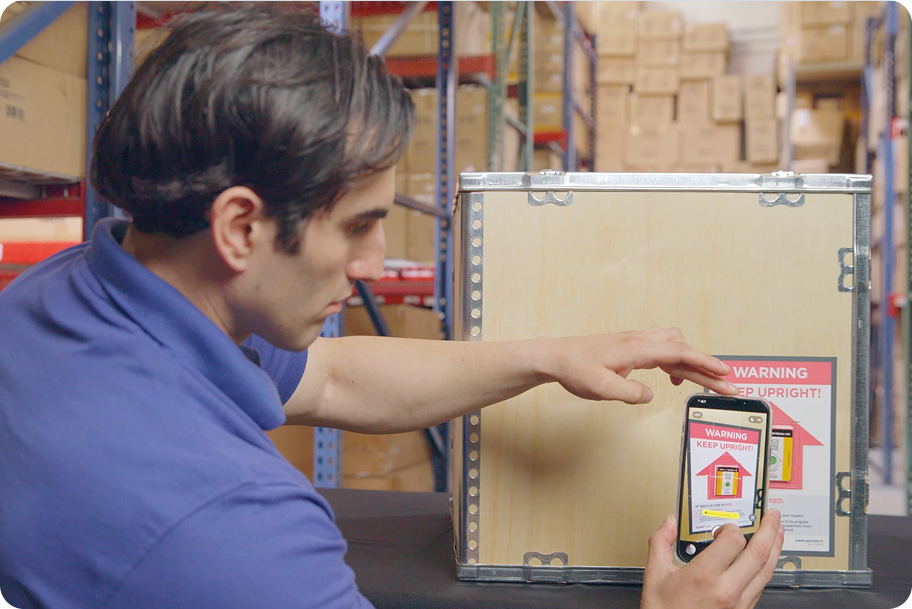
Apply to Shipment
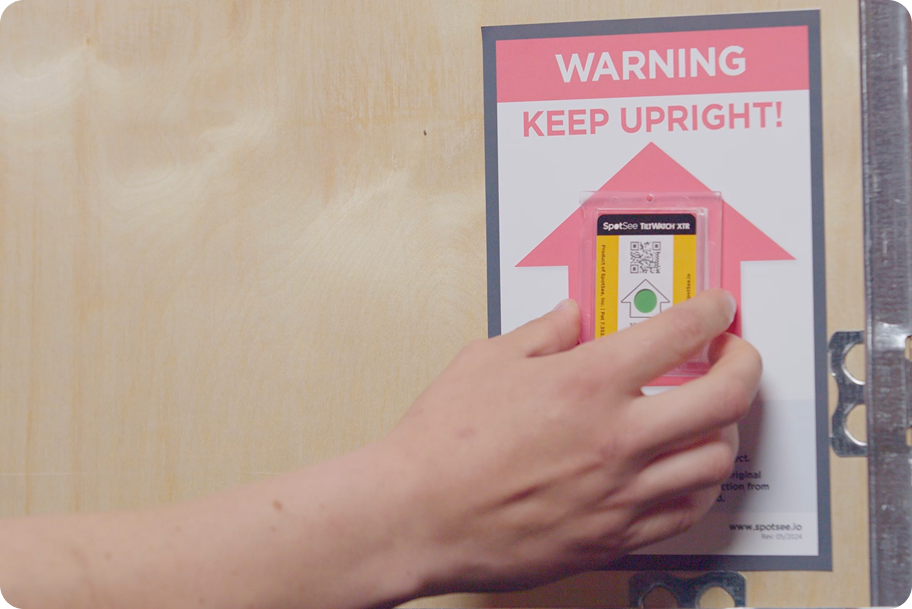
Remove the adhesive liner to arm the sensor, then attach it to the package or asset that must remain upright.
Step 2
Add Sensors to the Cloud
Scan the QR code on the box label or sign in at qr.spotsee.io to add the box ID to your cloud account.
Step 3
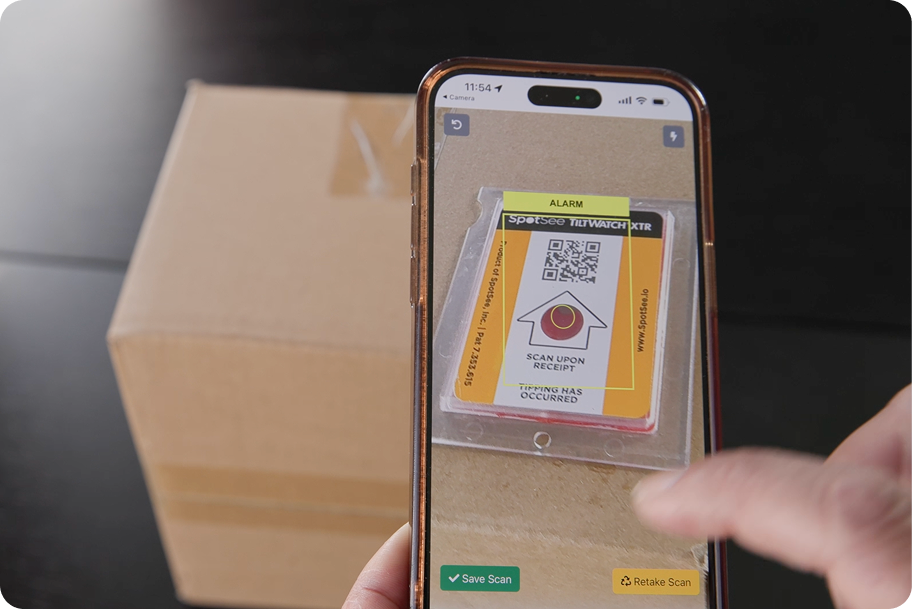
Scan on Receipt
The receipient scans the QR code immediately upon receipt and follows the guided camera prompts.
Step 4
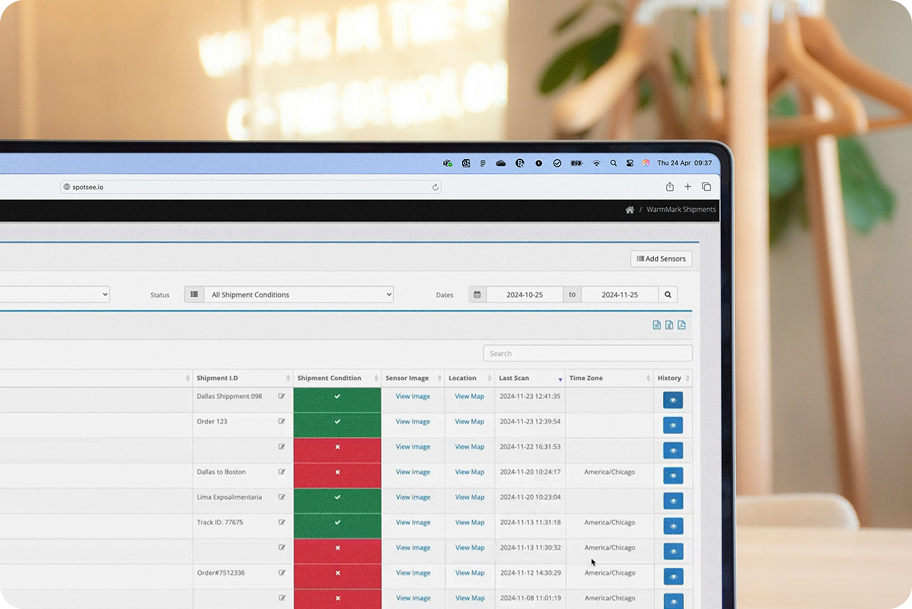
View Condition Data
The scan shows whether tipping occurred and sends tilt status, time, location, serial number and scan history to the SpotSee Cloud.
Get Started
Upright in Every Sense.
Get In Touch
Related Product
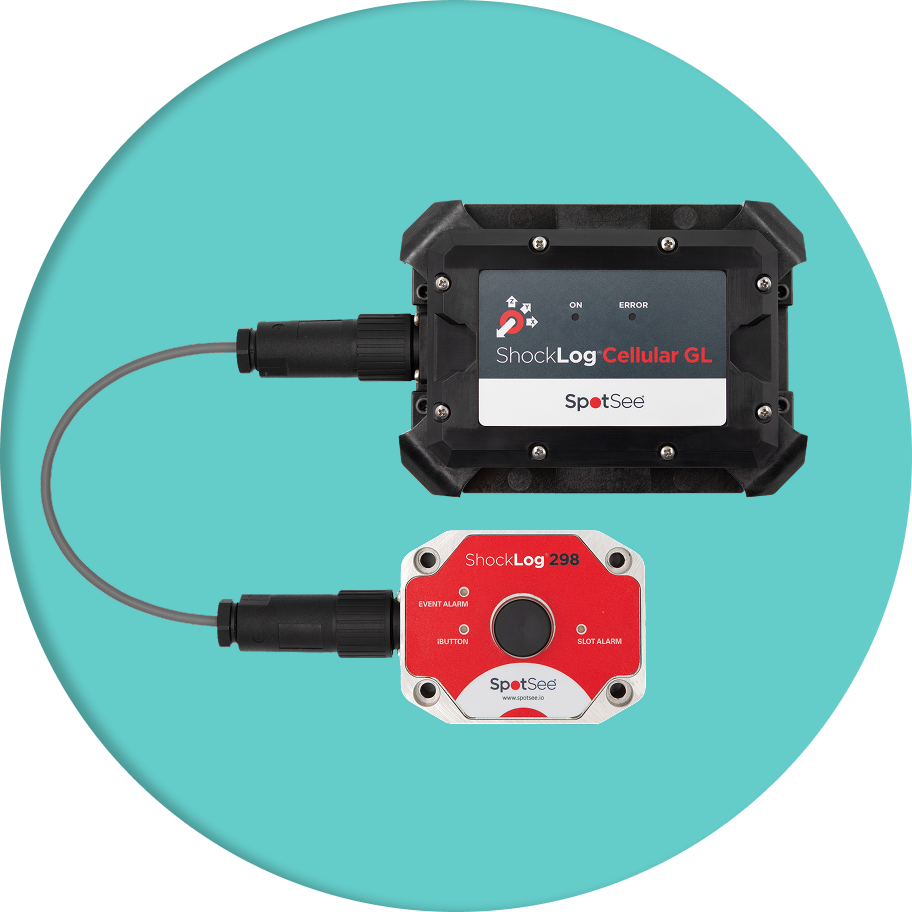
Need Detailed Shock Logging?Use ShockLog® 298.
Shock, vibration and environmental conditions can be hazardous to equipment, whether it’s in use, in transit or in storage. SpotSee’s ShockLog 298 tracks them all.


© Copyright 2025, SpotSee. All Rights Reserved.


