

You’re evaluating impact monitoring devices for a $75,000 industrial shipment, think a backup generator controller, a high-value pump skid, or a flight-critical avionics subassembly. Sales rep suggests a cellular-connected device. Procurement wants the cheapest visual indicator. Your packaging engineer asks what you’ll actually do with the data.
The device you choose isn’t about features, it’s about what you need to know when the package arrives and how you’ll act on that information. This article provides a practical framework for matching SpotSee impact monitoring solutions to your asset value, operational needs, and infrastructure reality.
Asset value determines your starting point
The first filter for device selection is straightforward: what’s the shipment worth?
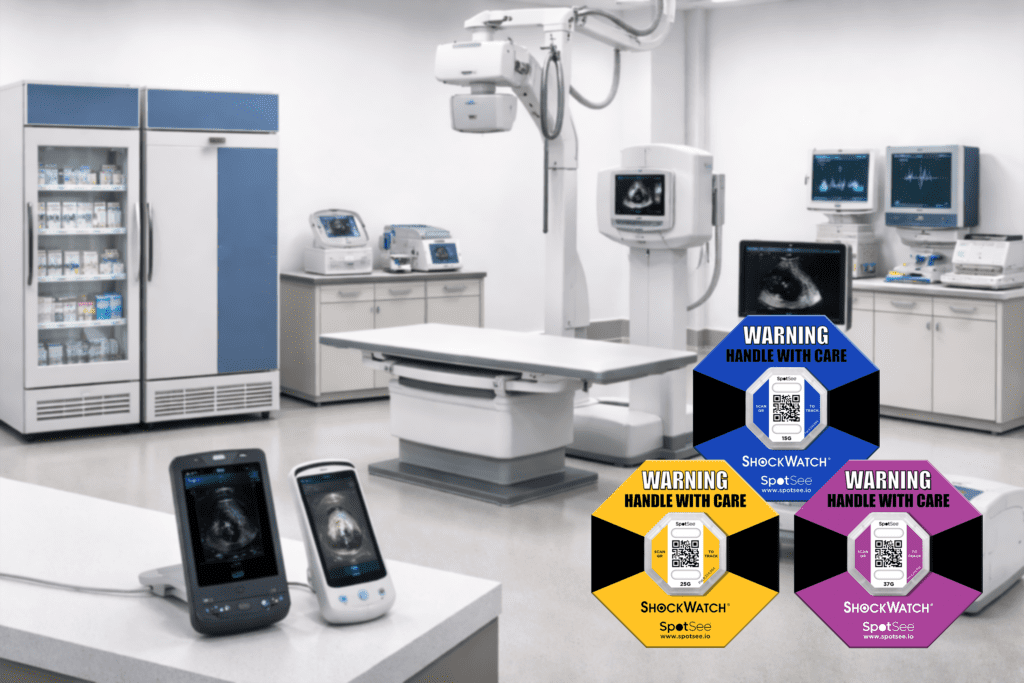
Shipments under $10K typically justify visual indicators like ShockWatch 2 or ShockWatch 2 QR. These devices provide clear good/bad reads at receipt without requiring computers, software, or data downloads. Device cost should stay below 1% of asset value for monitoring to scale economically.
The $10K–$50K range often requires traceability beyond visual confirmation. ShockWatch 2 QR adds smartphone-based scanning for chain-of-custody documentation without special equipment. ShockWatch RFID enables automated inspection if readers are already deployed in your facilities.
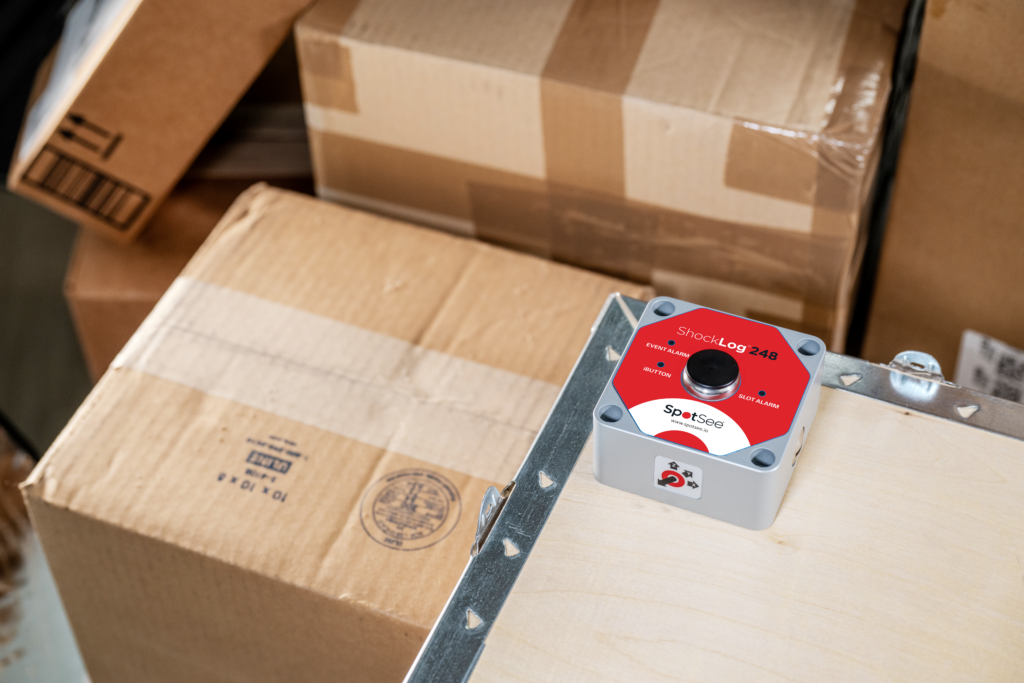
Shipments above $50K may justify impact recorders like ShockLog 298, ShockLog 248 or SpotBot. These devices capture what happened, when, how hard, and for how long, forensic evidence that supports claims, documentation and root cause analysis.
Regulatory requirements override these thresholds in pharma, diagnostics, and life sciences. Compliance documentation needs may require recording capabilities regardless of asset value. We recommend start with asset value as a framework, not a rigid rule.
Operational needs override asset value rules
The operational question matters more than the asset value: what will you actually do with the information?
Receipt inspection only? Visual indicators like ShockWatch 2 or ShockWatch 2 QR provide immediate accept/reject decisions without workflow disruption. Your receiving team looks at the device, sees good or bad, and acts accordingly.
Claims documentation? Impact recorders like ShockLog 298, ShockLog 248, and SpotBot deliver time-stamped event data for root cause analysis. You’ll need computers and software access at receiving locations to download and review the data.
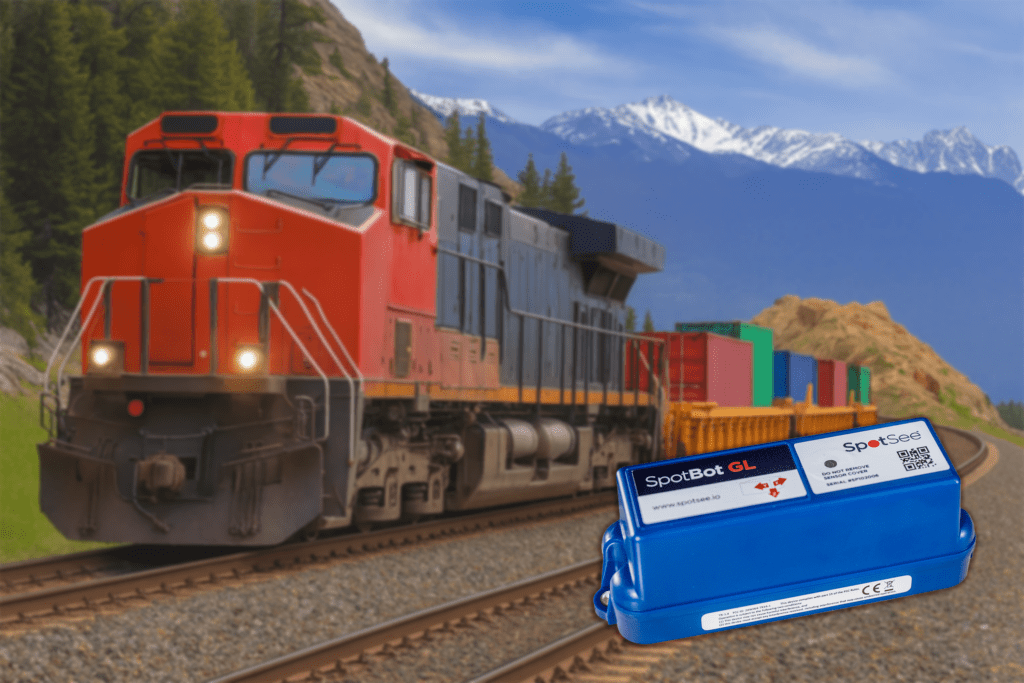
Real-time alerts during transit? Cellular recorders like ShockLog Cellular GL combined with ShockLog 298 or SpotBot GL make sense when your team will intervene mid-shipment, or needs to track the progress and location of the shipment. Consider whether packages are accessible for intervention and whether your operations support that level of response.
Automated warehouse integration? ShockWatch RFID works if readers are already deployed throughout your supply chain. Without that infrastructure, you’re adding equipment costs that exceed device investment.
Decision moments at hand-offs determine which data type you actually need. If you only inspect at final receipt, recording capabilities may exceed operational requirements.
Infrastructure reality shapes device selection
Device selection depends on what your facilities can support today.
RFID solutions require existing readers. ShockWatch RFID delivers automated scanning when RFID infrastructure is already deployed. Don’t select RFID-enabled devices expecting to add readers later, implementation timelines will delay your monitoring program.
Cellular recorders need network coverage throughout shipping routes. If your lanes include facilities or geographies where cellular connectivity is limited, plan for how you’ll handle delayed uploads, intermittent visibility, or alternate workflows before committing to cellular options like ShockLog Cellular GL or SpotBot GL.
Impact recorders require computers and software for data access at receiving locations. If your warehouse teams don’t have workstations or software access, recorded data becomes inaccessible when you need it.
QR-enabled options work with standard smartphones. ShockWatch 2 QR requires no special equipment, just a smartphone and connectivity to share data with the cloud.
Larger packages may need multiple devices based on size and sensor placement. Long or oversized shipments can experience different impacts at each end.
Match device capability to actual data usage
Teams sometimes pay for recording features but only use visual confirmation.
Visual indicators answer one question: did impact happen? That’s sufficient for some operational hand-offs. Receiving teams see good or bad, accept or reject the shipment, and move on.
Recorders answer: what happened, when, how hard, and for how long? This forensic detail supports claims, identifies carrier handling issues, and drives packaging improvements. It requires someone to download, review, and act on the data.
Before selecting a recorder over an indicator, get specific about how your team will use the data: who reviews it, when they review it (receipt vs. weekly), and what decision it triggers (inspection, quarantine, claim initiation, packaging redesign, carrier escalation). Monitoring adds value when your process turns device output into consistent action.
Standardization isn’t the goal, repeatable decision-making is
Some teams try to standardize on one “best” device across every lane to simplify purchasing. It is the wrong objective. What scales is a consistent rule for choosing the right level of data for the decision you need to make at receipt and hand-offs.
In practice, build a tiered playbook that aligns device capability to how often and what type of information you need and what you will do with it:
- One-time, immediate decision at receipt or a hand-off: use an indicator. A ShockWatch 2 or ShockWatch 2 QR supports a clear good read or bad read with no or minimal data handling steps added to your receiving SOP (Standard Operating Procedure).
- Regular connectivity when ongoing visibility changes your operations: use SpotBot GL. This fits lanes where periodic updates and connected visibility help teams manage exceptions, coordination, or escalation, and where someone is responsible for acting on that visibility.
- Regular connectivity plus detailed event data for tighter triggers and deeper review: use ShockLog Cellular GL plus ShockLog 298. This fits the highest-value or highest-scrutiny shipments where connected monitoring and more granular impact records both matter, and where your organization will consistently review the data and use it for investigation, claims support, or corrective action.
This approach keeps the program operationally honest. You are not picking “more technology,” you are picking the data that serves you best, at the moment your team is prepared to make a decision.
Decision framework for device selection
Use this five-step process to match SpotSee solutions to your specific requirements:
Step 1: Calculate asset value ranges across shipment portfolio. Group shipments into under $10K, $10K–$50K, and $50K+ categories. Identify regulatory requirements that override value thresholds.
Step 2: Identify critical decision moments. Map where you need impact confirmation: receipt only, intermediate hand-offs, or in-transit intervention. Determine whether visual confirmation suffices or forensic documentation is required.
Step 3: Assess existing infrastructure. Inventory RFID readers, cellular coverage along shipping routes, and computer and software access at receiving locations. Select devices that work with what you have today.
Step 4: Pilot on one high-value or high-risk lane before full rollout. Validate that devices integrate with workflows, teams check them consistently, and the data type matches actual usage.
Step 5: Define success metrics before deployment. Establish baseline claim rates and damage costs. Set targets for claim reduction percentage and detection rate improvement.
Getting started with impact monitoring
New programs should start with visual indicators to establish inspection workflows. ShockWatch 2 or ShockWatch 2 QR validates that receiving teams will check devices and act on results before you invest in more complex solutions.
Existing programs should audit whether current devices match how teams use data. If you’re deploying recorders but teams only glance at visual status, you may be over-investing. If you’re using basic indicators but need claims documentation, you may be under-protected.
Focus on the 20% of shipments representing 80% of damage costs. Concentrate monitoring investment where it delivers measurable outcomes. Not every shipment needs monitoring, prioritize high-value, high-risk, or regulatory-critical lanes.
Product matching follows operational needs. ShockLog series (ShockLog 298, ShockLog 248, ShockLog Cellular GL) for forensic data and claims documentation. ShockWatch series (ShockWatch 2, ShockWatch 2 QR, ShockWatch RFID) for operational visibility and hand-off decisions.
Implementation success depends on operational integration, not just device features. Devices deliver value when receiving teams check them, understand what good and bad reads mean, and have clear SOPs for acting on results.
Take the first step
Review your shipment portfolio today. Identify the 20% of lanes that represent your highest damage costs or regulatory risk. Map the critical decision moments where you need impact confirmation, receipt, intermediate hand-offs, or in-transit intervention.
Start with one high-value or high-risk lane. Define success metrics before selecting devices. Pilot visual indicators if you’re establishing inspection workflows, or evaluate recorders if you need forensic documentation for claims.
The right impact monitoring solution matches what your team will actually do with the information, not just what the device can capture.
—
You might also like:


