
Supply chain monitoring only becomes operationally useful when the team has already agreed who will act at the moment an excursion or shock event is flagged. Without that upfront design, connected monitoring often creates inconsistent hand-offs, unclear escalation paths and avoidable rework at receiving.
If you are deploying connected shipment monitoring in logistics, the sequence matters. Design the response workflow first. Then configure the device and platform to support it.
Where SpotBot GL fits in this conversation
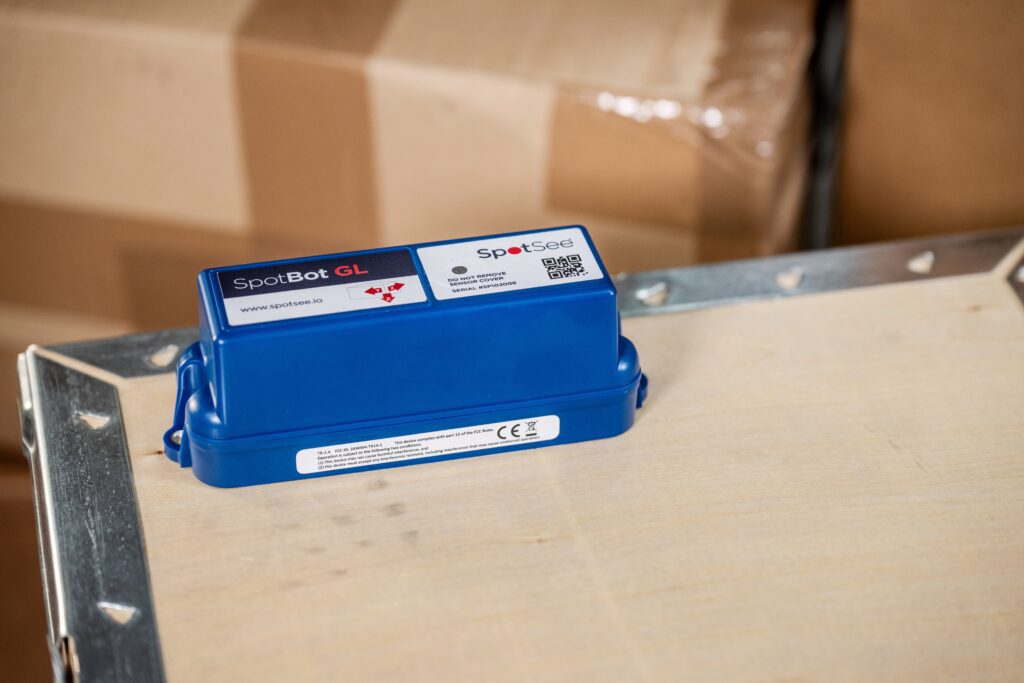
SpotBot GL is a connected condition monitor designed to capture temperature, impact, humidity and location throughout a shipment. Paired with SpotSee Cloud, it provides real-time visibility into shipment conditions and event alerts tied to specific points in transit.
That visibility is valuable, but only if it is tied to a defined response. Without that, alerts risk becoming noise rather than action.
The role of SpotBot GL in a response-led program is not just to detect events. It is to trigger consistent, pre-defined actions at the right moment, especially at receiving and hand-offs.
Monitoring is not the outcome, decisions are
Visibility is helpful, but it is rarely the goal in GDP-aligned operations. What matters is what teams can do with information at a decision moment, especially at receiving and custody hand-offs.
A common failure pattern is easy to recognize. An alert is generated and routed to a control tower or quality inbox, but no one has defined the correct next step. Should the shipment be held, accepted with documentation, escalated or rejected. Without that clarity, teams either overreact and slow operations or underreact and defer the problem downstream.
Exception management only works when exceptions trigger consistent actions. Otherwise, it becomes another layer of visibility without control.
The real challenge: who acts, by when, and based on what
Before deploying or scaling SpotBot GL, define three elements that turn alerts into controlled actions.
- Escalation roles, who acts
Define ownership for each exception type. In practice, this often means separating logistics ownership from quality ownership. The first action is frequently procedural, such as placing a shipment on hold, rather than operationally complex - Reaction windows, by when
Set response expectations that match real operations. A response window should reflect staffing, receiving hours and how quickly a site can execute a hold or quarantine step - Decision thresholds, based on what
Define what qualifies as an actionable exception. SpotBot GL can capture multiple data streams, but thresholds should align with decisions, not just measurements
Without these three elements, alerts create activity but not control.
A practical framework for response-led monitoring
A simple structure helps translate SpotBot GL alerts into action: define the exception, define the action, define the record, then pilot.
Define the exceptions
Start with a focused set of events that change receiving behavior.
- Temperature excursions aligned to your quality thresholds
- Handling events such as shock exposure
- Dwell or route anomalies that introduce uncertainty
SpotBot GL can monitor all of these, but operational clarity comes from focusing on the ones that drive decisions.
Connected monitoring supports visibility. It does not replace validated packaging or required data loggers.
Define the action at the decision moment
Write actions from the perspective of receiving. The goal is not to respond to an alert, it is to enable a consistent decision.
A clear action definition includes:
- Owner, the role responsible for first response
- First step, such as hold, document and notify quality
- Escalation path if no response occurs within the defined window
- Communication standard to avoid back-and-forth
Because SpotBot GL provides location-aware alerts and configurable thresholds, actions can be aligned to specific hand-offs. An alert during delivery can trigger a different response than one during linehaul.
Define the record you will rely on later
SpotBot GL and SpotSee Cloud generate structured event records that include time, location and severity details.
To make that operationally useful, ensure your workflow captures:
- Event context tied to a custody point
- Severity details, especially for impact events
- Who acted and when
This turns raw data into usable documentation for investigations, claims and quality review.
A receiving scenario in practice
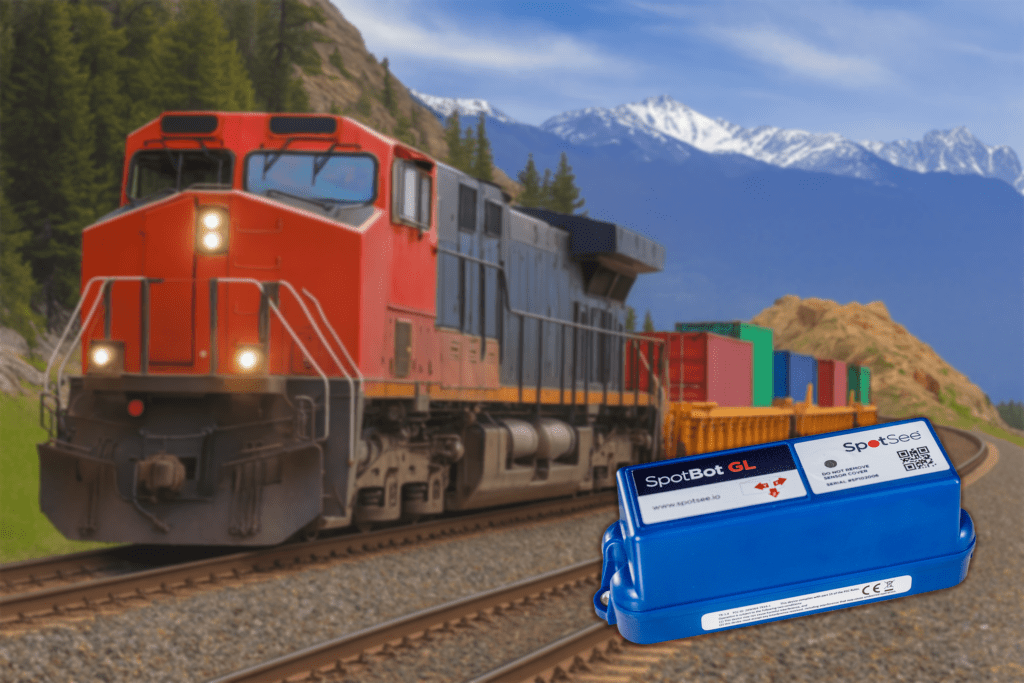
A backup generator is shipped to a remote site for installation. During transit, SpotBot GL flags a significant impact event.
At receiving, the SOP directs staff to place the shipment on hold, notify operations and quality within a defined window and document the event.
Because SpotBot GL provides time and location context, the team can see when and where the impact occurred and decide whether the generator should move to inspection before acceptance or installation. The receiving team is not left guessing, and the decision is consistent.
This is where connected impact visibility becomes operationally useful. The alert does not diagnose equipment condition on its own, but it does support a faster, more controlled decision at hand-off.
“We already have visibility”
More data does not automatically improve outcomes. Visibility helps only if it changes decisions.
SpotBot GL adds value when its alerts are tied to clear ownership, thresholds, and actions. Without that structure, even advanced monitoring can lead to alert fatigue.
Pilot before scaling
Start with a focused pilot:
- One lane and one receiving environment
- A limited set of exception types
- Regular review of alerts and responses
- Validation that records support investigations and claims
Once the workflow is stable, scaling becomes repeatable.
Conclusion
SpotBot GL can provide real-time visibility into shipment conditions. Its real value comes from how that visibility is used.
Shipment monitoring creates impact when it is designed around the receiving decision, not the sensor.
Define who acts next, by when, and based on what. Then let SpotBot GL and SpotSee Cloud support that process.
___
You might also like:


